
Managing compute workloads for ETL vs analytics
Last updated: October 2024
Quick answer: Separate ETL and analytics compute workloads into dedicated virtual warehouses (in Snowflake) or resource pools. ETL workloads need larger compute with auto-suspend during off-hours; analytics workloads need auto-scaling multi-cluster warehouses for concurrent queries. Use resource monitors to cap spending, schedule ETL during off-peak hours, and right-size each warehouse independently to avoid contention and control costs.
Introduction
Managing compute workloads for ETL vs analytics requires separating, sizing, and scaling each workload type independently. For ETL-specific optimization tips, see our guide on performance tuning in Talend. ETL workloads and analytics queries behave differently in terms of resource consumption, timing, and cost impact. Proper compute workload management ensures reliable data ingestion alongside fast analytical queries without resource contention.
Modern cloud data platforms like Snowflake, BigQuery, and Databricks enable organizations to separate ETL and analytics compute, scale independently, and optimize costs through workload-specific resource management.
ETL Compute Workloads: Performance-Driven Processing
ETL (Extract, Transform, Load) workloads are designed to process large volumes of data efficiently and reliably. These workloads typically operate in batch or micro-batch modes and are highly resource-intensive during execution.
Technical characteristics of ETL workloads:
- High CPU and memory consumption
- Heavy transformations (joins, aggregations, cleansing)
- Predictable execution windows
- SLA-driven completion requirements
For example, in AWS, ETL pipelines often run on scalable services like EMR or dedicated compute clusters that spin up for processing and shut down after completion - optimizing cost without sacrificing performance.
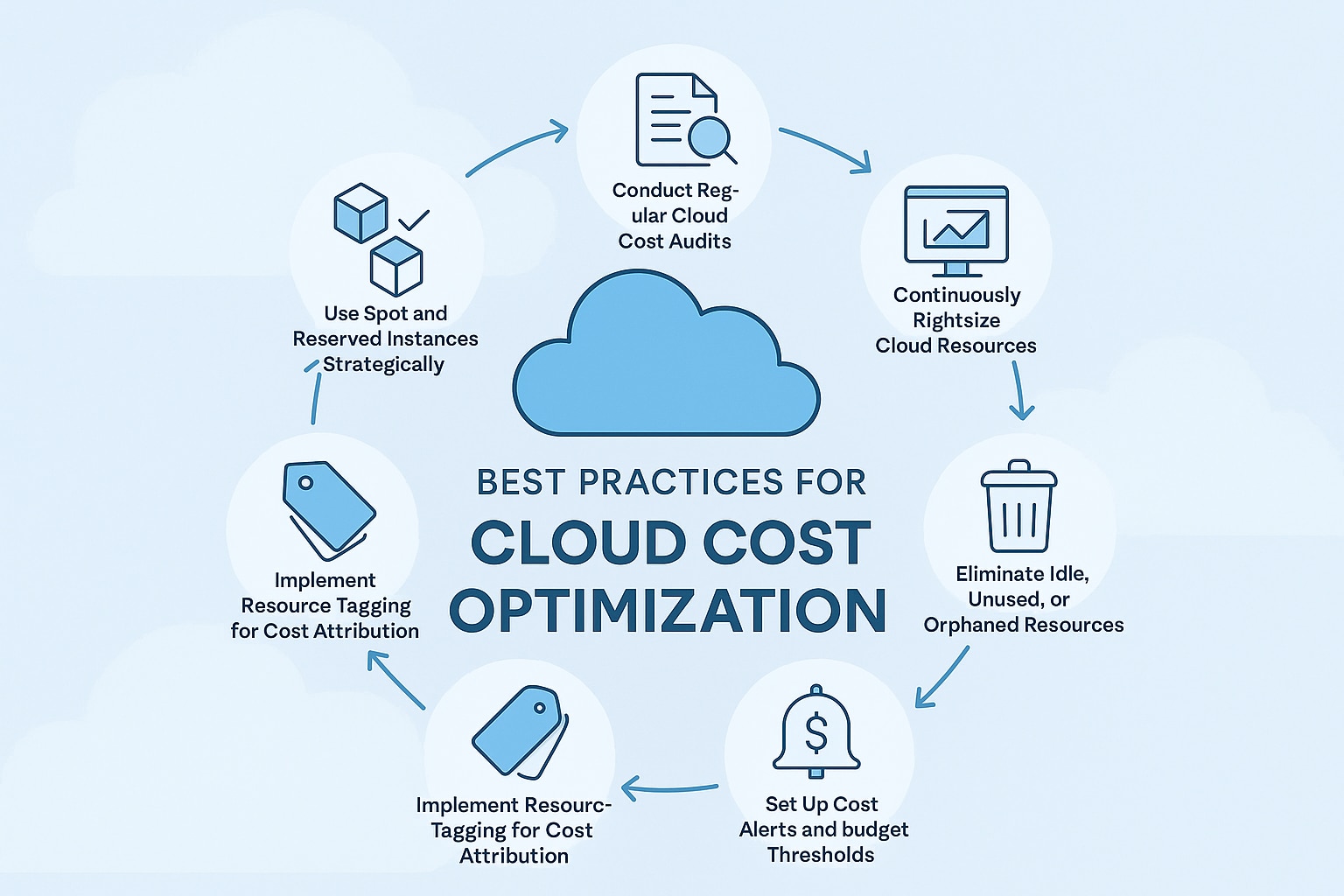
Sharing compute between ETL and analytics workloads creates resource contention, leading to degraded user experience and operational inefficiencies.
Business and technical risks of shared compute:
- Dashboard slowdowns during ETL execution
- Failed or delayed data pipelines
- Over-provisioning to handle peak loads
- Limited visibility into workload-specific costs
By isolating compute, organizations gain predictable performance, improved governance, and better cost transparency.
Cloud-Based Best Practices for Managing Compute Workloads
1. Isolate Compute at the Platform Level
Use separate compute clusters or virtual warehouses for ETL and analytics. For example:
- Microsoft Azure Synapse supports dedicated SQL pools for analytics and separate Spark pools for ETL.
- Google Cloud BigQuery decouples storage and compute, enabling workload isolation through slots and reservations.
Here, heap memory starts at 512MB and can grow up to 1.5GB. Edit the values based on your system’s RAM. The values given for Xms should be lesser than Xmx. For job execution in Talend JobServer or Talend Administration Center (TAC), increase memory in the JVM parameters of the execution task.
2. Right-Size Compute Based on Workload Behavior
- ETL compute → Optimized for throughput and memory
- Analytics compute → Optimized for concurrency and response time
This prevents unnecessary scaling and reduces cloud spend.
3. Enable Auto-Scaling and Auto-Suspend
Auto-scaling ensures compute expands during peak usage and contracts when demand drops. Auto-suspend prevents idle analytics clusters from consuming budget.
This model is widely adopted in platforms like Snowflake and cloud-native data warehouses.
4. Schedule ETL Strategically
Even with isolated compute, scheduling ETL during off-peak hours reduces operational risk and improves system stability - especially in enterprise environments with global users.
5. Monitor, Optimize, and Govern
Track key metrics such as:
- Query execution time
- Compute utilization
- Concurrency levels
- Cost per workload
Continuous optimization ensures long-term scalability and financial efficiency.
Cost Optimization and Business Impact
Separating ETL and analytics compute enables organizations to:
- Attribute costs accurately by workload
- Scale analytics independently of data ingestion
- Reduce over-provisioning
- Improve ROI on cloud data investments
This approach aligns technical architecture with business outcomes - faster insights, lower costs, and higher data reliability.
Conclusion
Managing compute workloads for ETL vs analytics is not just a technical decision -- it is a strategic one. By isolating compute, right-sizing resources, and leveraging cloud-native scaling capabilities, organizations can build resilient, high-performing data platforms that support both operational processing and real-time decision-making. To protect those platforms, implement proper data access control strategies and design dashboards that scale alongside your compute architecture.
Frequently Asked Questions
What is the difference between ETL and analytics compute workloads?
ETL workloads are batch-oriented processes that extract, transform, and load data with high CPU and memory consumption. Analytics workloads are interactive queries that serve business users and dashboards with variable demand and concurrency requirements.
Why should I separate ETL and analytics compute resources?
Separating compute resources prevents ETL jobs from consuming resources needed for analytics queries, enables independent scaling, allows accurate cost attribution by workload type, and ensures consistent performance for both operational processing and business reporting.
How does auto-scaling help manage compute workloads?
Auto-scaling automatically adjusts compute resources based on demand. For ETL, it scales up during processing windows and shuts down after completion. For analytics, it handles variable user concurrency by adding resources during peak hours and reducing them during off-peak times.
Still have questions?
Get AssistanceReady? Let's Talk!
Get expert insights and answers tailored to your business requirements and transformation.
Get Assistance