
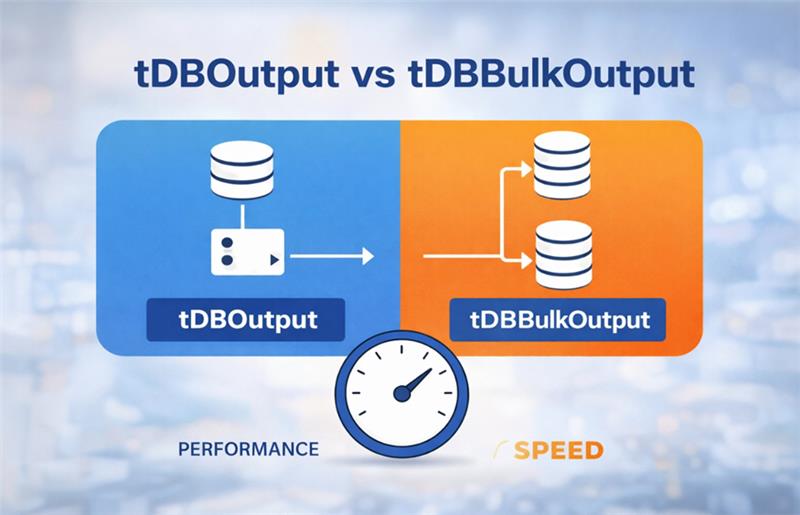
When working with Talend Data Integration, efficiently loading data into databases is essential for building powerful ETL pipelines. Talend offers various components to write data to database tables, among which tDBOutput and tDBOutputBulk are commonly used. Each serves a different purpose and fits different scenarios in terms of data volume, processing speed, and architecture. In this blog, we will explore both components in detail—covering what they are, how they differ, when to use each, and how to configure them effectively for your data integration projects.
The tDBOutput component in Talend is used for performing traditional row-by-row database operations such as inserts, updates, or deletes. It is a straightforward way to write data directly into a database table as part of an ETL flow.
tDBOutputBulk is designed for bulk loading scenarios, where the goal is to move large volumes of data into a database quickly and efficiently. How tDBOutputBulk Works: Instead of writing rows directly, it writes the data as a bulk file (e.g., a CSV file) formatted specifically for the target database’s bulk loading utilities. This intermediary file is then loaded into the database using a separate component like tDBBulkExec or an external bulk load utility. The bulk load process reduces overhead by minimizing direct database interactions during every row insert. Key Advantages: Significantly faster than row-by-row inserts for very large datasets (millions of rows). Reduces load on the database and network by using bulk loading mechanisms.
tDBBulkExec is a Talend component that loads data into a database using the database’s native bulk load utility.
It is usually paired with tDBBulkOutput:
Now, execute the job in Talend Studio using these components.
Let's take an input file with one million records and load it using tDBOutput.
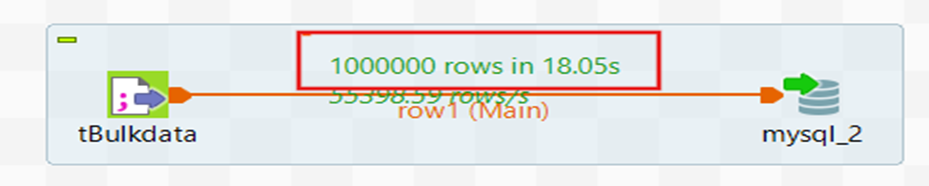
Here it takes 18 seconds to load the data using tDBOutput.
Use the same input file and load it using tDBOutputBulk.

Using tDBOutputBulk, loading the data takes 1.86 seconds.
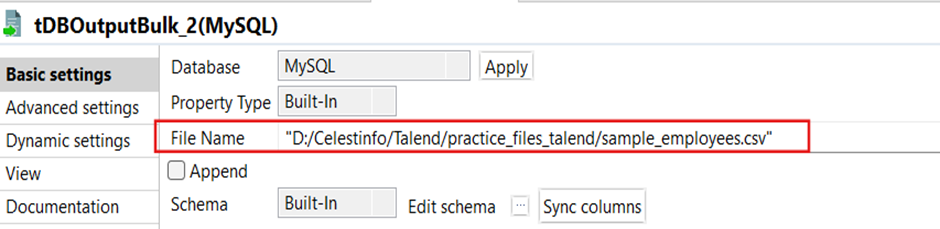
Here the tDBOutputBulk component writes incoming data to a file.
Here we give the file path to store that bulk-file.
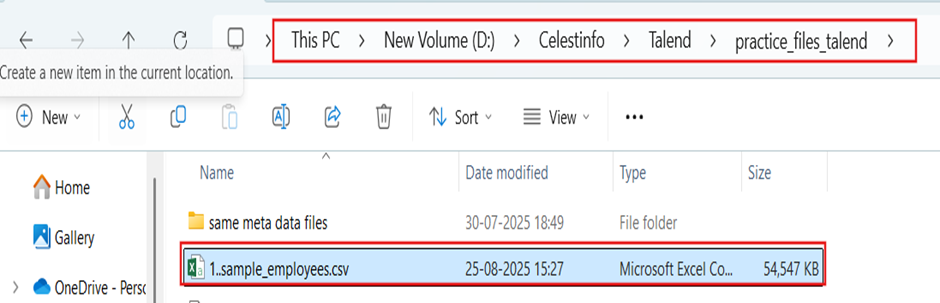
Now the bulk-file is stored in the desired location.
Now run the job with tdbbulkexecution ;
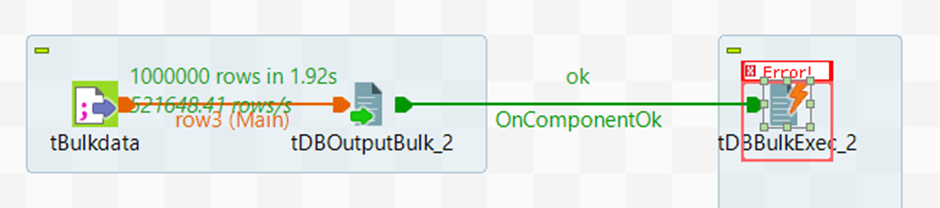
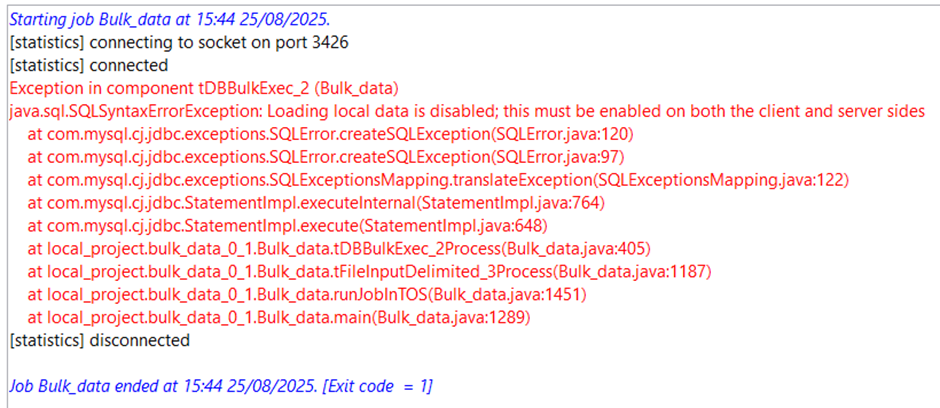
This error occurs on the MySQL side because MySQL is not configured to load data from local files. To fix this, you need to do:


The SET GLOBAL local_infile = 1; setting is temporary , it will reset after MySQL restarts. This mode must be enabled on both server and client sides to allow file-based data loading via SQL statements like LOAD DATA LOCAL INFILE. To make it permanent, you should add this line under the [mysqld] section of your MySQL configuration file (my.cnf on Linux or my.ini on Windows).

Then restart MySQL service. This way, tDBBulkExec (or any LOAD DATA LOCAL INFILE command) will always work without needing to re-run the SQL command.
Now run the job again;
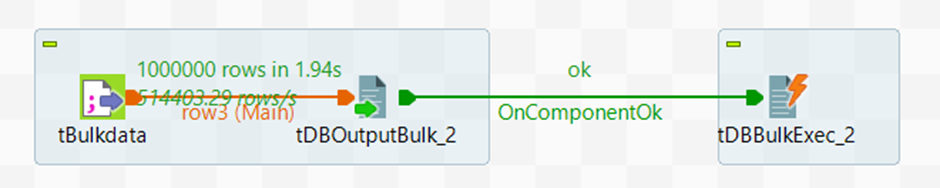
The job executes successfully and loads all the data into the database.
| Feature | tDBOutput | tDBBulkOutput |
|---|---|---|
| Purpose | Writes data directly into the database table row by row | Writes data into a flat file (CSV/Delimited) for bulk load |
| Insert Method | Executes SQL statements (INSERT, UPDATE, DELETE) for each row | Dumps rows into a file, no direct DB insert |
| Performance | Slower for large volumes (millions of rows) because of row-by-row DB calls | Much faster as it just writes to a file |